Linux Journey: Solving HID Access Denied Errors for the Keychron Launcher
I have a 2018 Corsair Strafe mechanical keyboard with the Cherry MX Red Switches. I’ve been getting tired typing on it, and I’ve been noticing a lot of missed keystrokes while I type. I am a fast typer, and I think I got tired of this keyboard.
So, I was looking for another mechanical keyboard, specifically one that I could customize, change the caps and switches if needed. Basically, a keyboard that could grow with me without being too complicated. I tested some keyboards on my local computer store, and the Keychron ones got my attention.
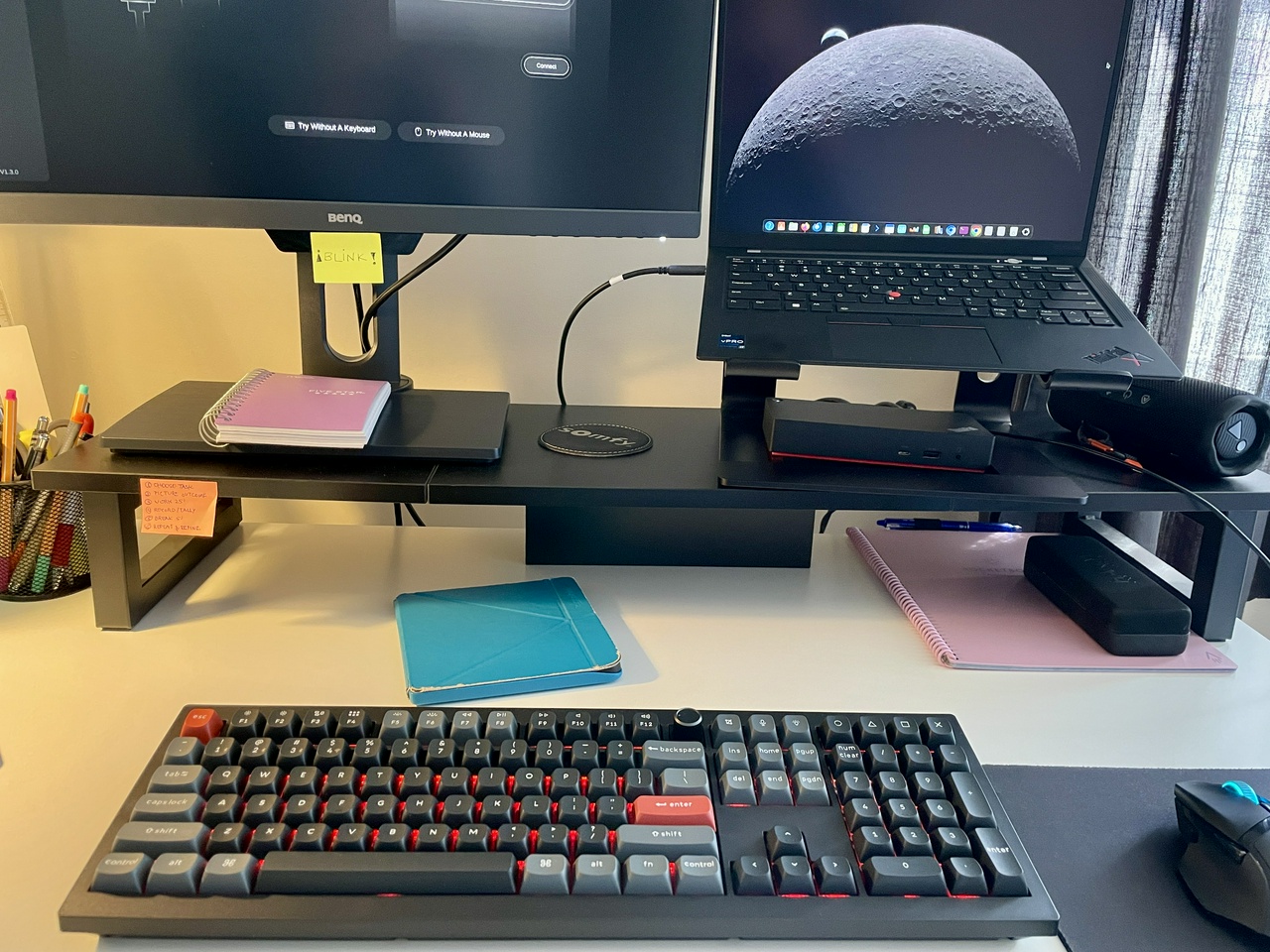
I wanted a more tactile experience (the Cherry Red is linear), so I went with a Keychron V6 Ultra 8K with the Tactile Banana switches. I love it! 😍
It worked well with the cable connection, and also connected with Bluetooth and the 2.4G dongle on my Ubuntu 25.10.
The issue: Can’t use the Launcher to customize the keyboard
In order to customize and remap the keys and for this keyboard, we have to do it online, via the Keychron Launcher.
The manufacturer guide says that the Launcher only works with Chrome/Edge or Opera browsers.
I had Chromium installed via Snap and I opened the launcher website. The site recognized my keyboard, but it wouldn't connect.
Solution attempts
I did some online searching and I discovered that Linux has some security measures in place that avoids a userspace application to write to hardware input. So the solution is to create an “udev.rule” to add permissions. I followed the instructions from this article: HOWTO: Get the Keychron Launcher working in Debian GNU/Linux.
So my steps were something like this:
I identified my keyboard vendor/product information using
lsusb | grep -i keychronWhich gave me following info:
Bus 003 Device 013: ID 3434:0c60 Keychron Keychron V6 Ultra 8KGreat! Then I created the rule with
sudo nano /etc/udev/rules.d/99-keychron.rulesAnd this was my first try to create the rule:
KERNEL=="hidraw*", SUBSYSTEM=="hidraw", ATTRS{idVendor}=="3434", ATTRS{idProduct}=="0c60", MODE="0660", GROUP="ariadne", TAG+="uaccess", TAG+="udev-acl"Then, I ran the two commands to reload the rules and trigger them:
sudo udevadm control --reload-rulessudo udevadm triggerIt didn't work, Chromium still could not connect to the keyboard.
In Chromium I checked: Settings -> Privacy and Security -> Site settings -> Additional permissions -> HID devices and ensured HID access was allowed.
I tried different rules, tweaking here and there, played around with user groups, and nothing worked. I unplugged, plugged, restarted the computer, I even tried to run Chromium with root access temporarily. Nothing worked.
All the time I was checking
chrome://device-log/to see what was going on, and got a list of errors like this:HIDEvent[21:52:54] Failed to open '/dev/hidraw7': FILE_ERROR_ACCESS_DENIED
HIDEvent[21:52:54] Access denied opening device read-write, trying read-only.
- I did some more tweaks to the udev.rules, and I ended up with this in my rules file:
# Keychron V6 Ultra 8K - Normal Mode KERNEL=="hidraw*", SUBSYSTEM=="hidraw", ATTRS{idVendor}=="3434", ATTRS{idProduct}=="0c60", MODE="0666", TAG+="uaccess"
# STM32 Bootloader - Required for Firmware Flashing SUBSYSTEM=="usb", ATTRS{idVendor}=="3434", ATTRS{idProduct}=="0c60", MODE="0666", TAG+="uaccess"
It was still not working. I knew it was something to do with permissions from Chromium.
Then the next day I did more digging online, and I read that Chromium installed via Snap is actually sandboxed and often cannot see hardware even if the udev rules are current. The solution? Get the .deb install package for Google Chrome.
So I downloaded and installed the official Google Chrome
.debnative package directly from the Google website.And then it worked!!! 🤘
Keychron Launcher connected to the keyboard, I could do the Firmware update and started playing with remapping keys.
My Final Checklist
So, as final checklist, these are the steps to take if I want to remap or update firmware on my Keychron keyboard :
Preparation of udev.rules (needs to be done only once):
Identify keyboard's vendor/product information using :
lsusb | grep -i keychronCreate rule with:
sudo nano /etc/udev/rules.d/99-keychron.rulesAdd these lines to the rules:
# Keychron V6 Ultra 8K - Normal Mode
KERNEL=="hidraw\*", SUBSYSTEM=="hidraw", ATTRS{idVendor}=="3434", ATTRS{idProduct}=="0c60", MODE="0666", TAG+="uaccess"
# STM32 Bootloader - Required for Firmware Flashing SUBSYSTEM=="usb", ATTRS{idVendor}=="3434", ATTRS{idProduct}=="0c60", MODE="0666", TAG+="uaccess"\Save and exit (Ctrl+O, Enter, Ctrl+X)
Then run these commands to activate the new rules:
sudo udevadm control --reload-rulessudo udevadm triggerDisconnect/Connect keyboard.
Run Keychron Launcher
- Connect the keyboard with the cable
- On the keyboard itself, select the physical toggle to USB connection
- Open Google Chrome (not Chromium, make sure it is the .deb version of Google Chrome, not Snap)
- Go to https://launcher.keychron.com/
- Choose to connect the keyboard, and voilà!
Thoughts? Discuss... if you have a Write.as account or Reply by email
By Noisy Deadlines Minimalist in progress, nerdy, introvert, skeptic. I don't leave without my e-reader.