Linux Journey: First Steps on Ubuntu
The first thing I did was download the ISO image for Ubuntu 24.04.3 LTS. Then I used balenaEtcher to create a bootable USB drive. I got an error when doing this on Windows 11, and after some searching, I found that the solution was to run balenaEtcher as Administrator for the image to work. Even then, I still got another error, I don’t remember exactly what it was. In the end, I switched to Rufus to create the bootable USB, and that worked.
I managed to create the bootable USB and installed Ubuntu on my old ASUS VivoBook Pro laptop. All the hardware worked out of the box, which was great. Even the NVIDIA graphics card was recognized and installed automatically.
So far, I've tested:
- Wi-Fi/Sound/keyboard/mouse/monitor: no issues at all
- Bluetooth: worked well with Jabra Evolve headphones
- Firefox Browser: perfect
- Standard Notes: I installed the app and it works beautifully
- Nirvana: web based and works perfectly as a PWA app
- Steam: installed it and played Banished. It ran even better than on Windows, with more options to adjust zoom, scale, and font sizes
- Deezer: installed an app and listened to music with my headphones
- Calibre: successfully installed for e-book management. I still need to explore using it to open library e-books shared in the Adobe Digital Editions
.acsmformat. The internet suggests this is possible with some plugins - LibreOffice / OnlyOffice: great alternatives to the Microsoft suite, it will be easy to switch
- pCloud: created a free account to test it out (seems pretty good!)
- MEGA: created a free account to test it out (didn’t like it that much, for some reason)
Things that I tried but did not work:
- Installing Dropbox and getting it to integrate with Nautilus (did not work at all!)
- Setting up GNOME Online Accounts for OneDrive: I kept getting an error saying the service could not connect
- Installing the MEGA application on Linux: nothing happened, and it didn’t work out
Things I want to test:
- Plugging in my Kobo to see if Calibre recognizes it (I forgot to test this)
- Dropbox: I still have a Dropbox account, and it was the first option that came to mind to replace OneDrive. I read that Linux support is good, but on my first attempt I couldn’t get the native app working. I’ll revisit this
- pCloud Drive: this seems like another solid alternative to OneDrive. I tested it on Windows, and it worked great; now I want to see how well it integrates with Linux
- Discord: there’s a Linux app available. I still need to try it
- Lenovo Universal Dock: I have a ThinkPad dock that I use to connect my monitor and peripherals to my other laptop. I expect it to work with Linux on my ThinkPad X1, but I also want to see if I can get it working with the ASUS laptop. The internet seems to agree that it should work, but I still have to figure it out.
- Emails in Mozilla Thunderbird
- I started with Ubuntu, but I'm intrigued to at least try out Linux Mint. I am not sure if I liked the GNOME desktop environment. It could be because I didn't actually do any customization. Something to explore.
Something I want to do first, before I continue more testing
- The ASUS laptop I'm using to test Linux has a 256GB SSD + 1TB HDD. I made the mistake of installing Ubuntu on the HDD, instead of the SSD, so Ubuntu didn't feel that smooth, it's a bit sluggish (still better than Windows 10, tho). So before I continue any explorations, I will start over and do a full reinstallation on the SSD.
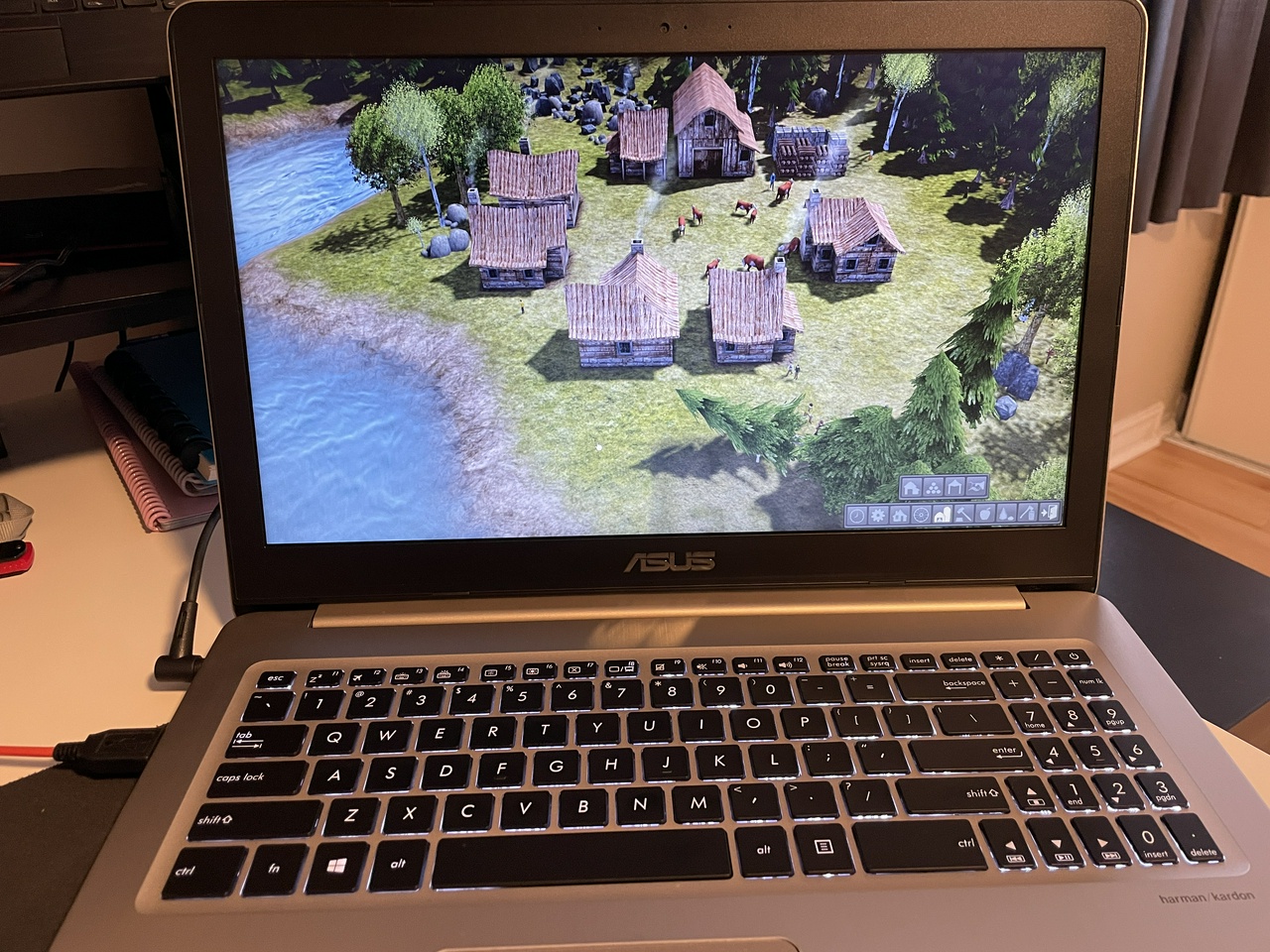
Banished on Linux
Note: I wrote and published this post on Linux 🙂
Thoughts? Discuss... if you have a Write.as account or Reply by email
By Noisy Deadlines Minimalist in progress, nerdy, introvert, skeptic. I don't leave without my e-reader.